See Also
Use API Test to demonstrate the functionality of the WebAdmin Web APIs. The WebAdmin Web APIs can be run using both, Direct, and SOAP methods. If the Username and Password fields, are not usable, this could indicate that the ‘Authorized Remote Hosts' in WebAdmin settings contains the IP of the authorized host. If no IPs are specified in that field, then API authorization of login will be used. The ‘Function’ dropdown list contains a list of all the available WebAdmin APIs. If 'Direct' is chosen as the API Method, checkboxes will display for each parameter. If unchecked, the parameter will not be sent.
You should always use the WSDL file from the server you are making SOAP requests to. Netsweeper also provides a simple SOAP test tool that can be used for example and demonstration purposes.
SOAP API Authentication
The SOAP API uses HTTP Authentication and the SOAP client must be able to transmit the username and password via HTTP username headers.
Currently the SOAP API specification does not include features for handling large datasets.
If you wish to integrate with the WebAdmin Web APIs, load the WSDL file from the Service location on your WebAdmin Service. The external location for the WSDL service is:
http://servername/webadmin/api/?wsdl
Accessing the API Test Tool
Log
in to the WebAdmin and navigate
to Tools > API Test.
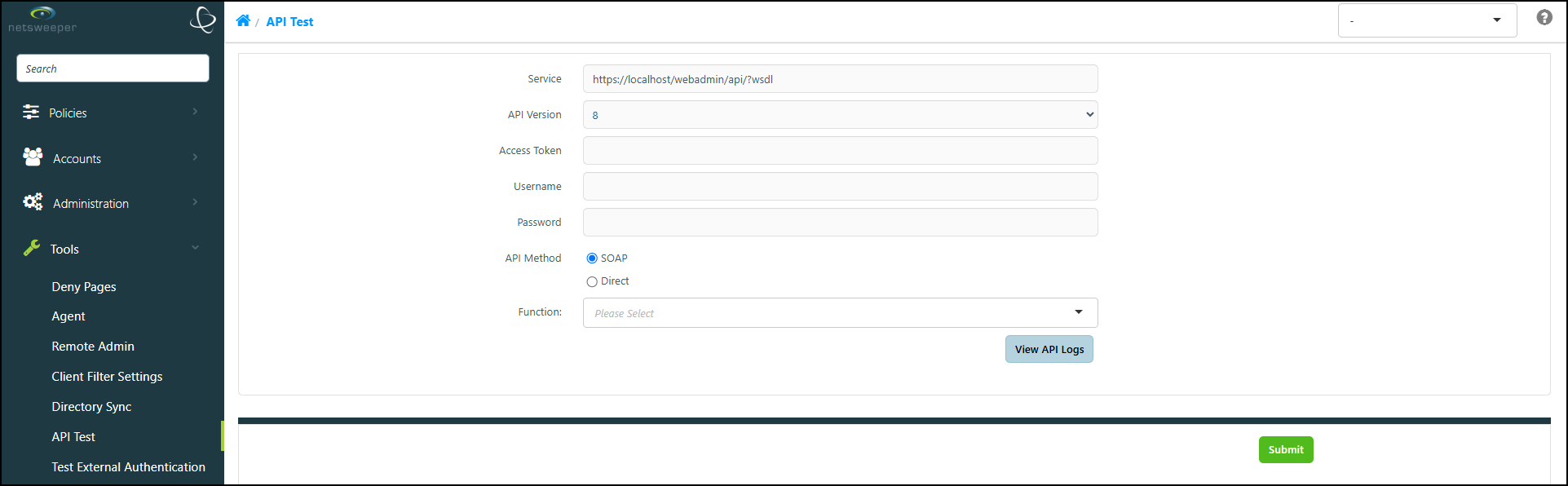
The 'View API Logs' button only displays if enabled in WebAdmin Settings.
If Direct is chosen as the 'API Method', check-boxes will display beside each parameter. If unselected, the parameter will not be sent.
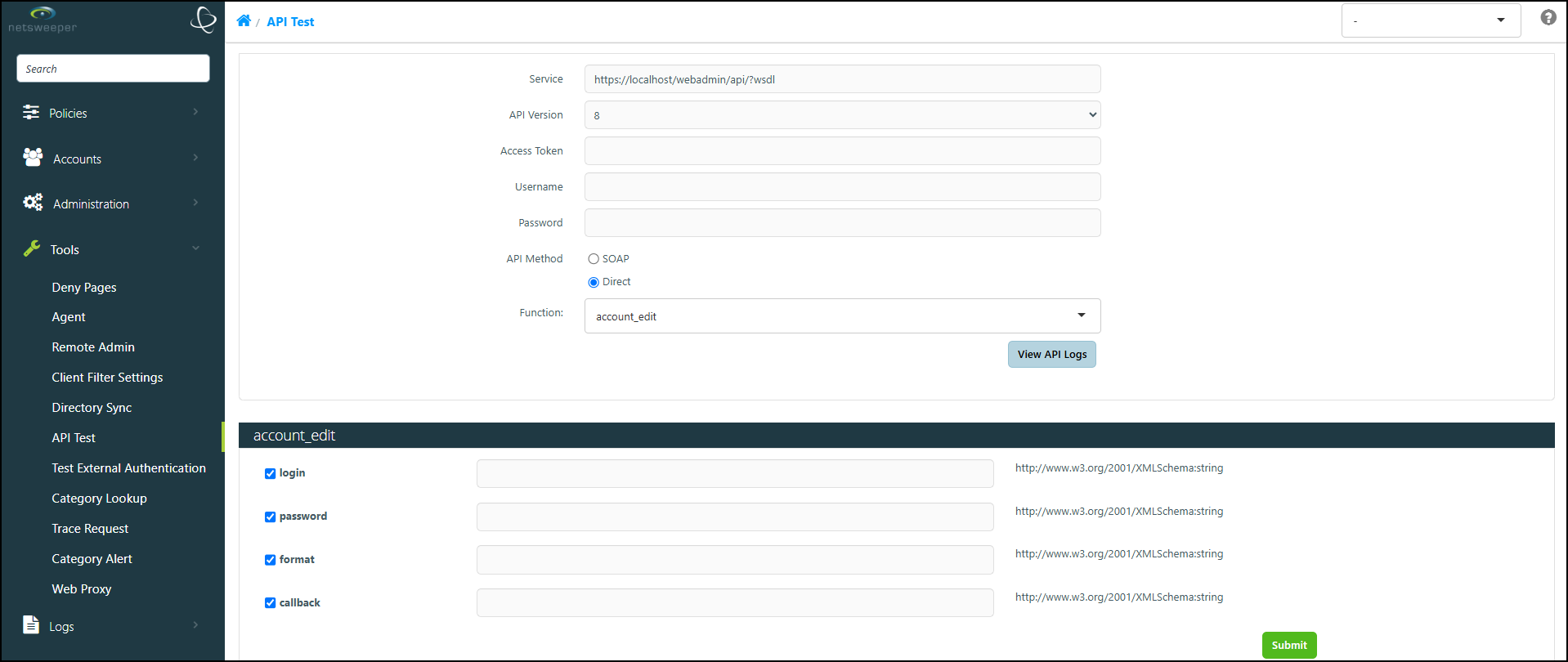
Selecting the View API Logs button displays the 'API Logs' window.

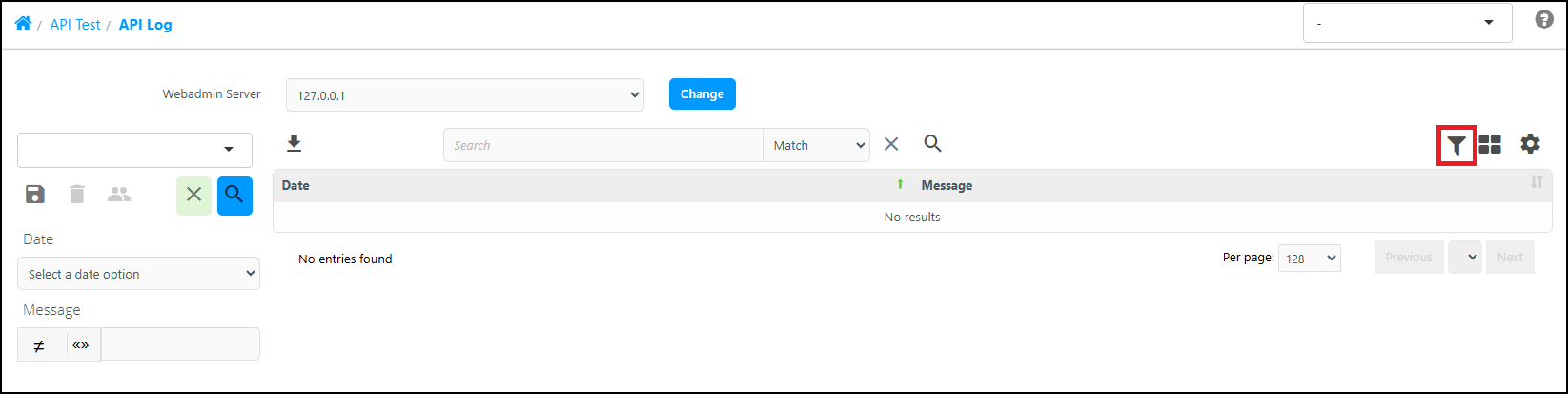
Within the 'API Logs' window, the Advanced Filter icon displays a side pane that lets you filter the list.