Email Sending Settings
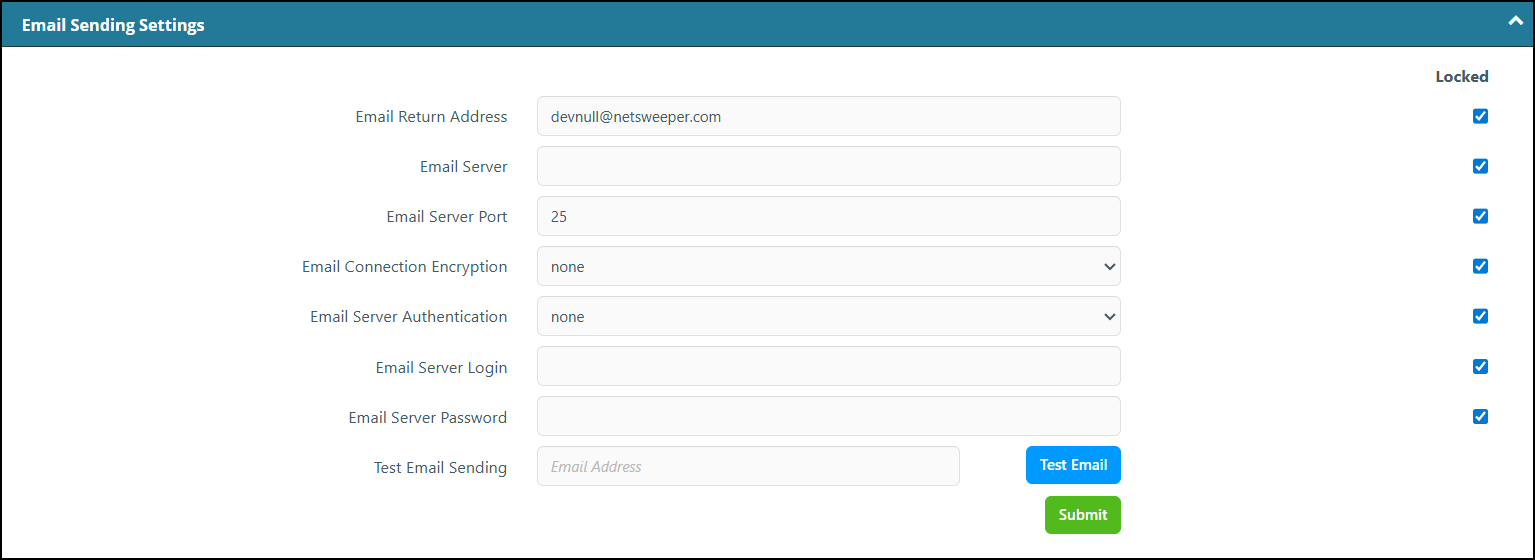
Use this section to manage the defaults for email sending. This includes the email return address, server, server port and connection encryption. The Netsweeper server will use these mail settings for all communications with your servers, including all notifications and reports. You can use systemctl start sendmail for your testing.
|
Option |
Description |
|---|---|
|
Email Return Address |
This is the return address for emails sent from the WebAdmin. |
|
Email Server |
This sets the URL of the email server used for sending from the WebAdmin. |
|
Email Server Port |
This sets the port of the email server. |
|
Email Connection Encryption |
This sets the encryption method for the sending of emails. The default is none. Other options are: TLS, SSL, SSL v.2, SSL v.3, and STARTTLS. |
|
Email Server Authentication |
This sets the email server authentication method. The options are none, LOGIN, PLAIN, and CRAM-MD5. |
|
Email Server Login |
This sets the Login ID for the email server. |
|
Email Server Password |
This sets the Password for the email server. |
|
Test Email Sending |
Enter the email address and click the Test Email button. |