Assigning IP Restrictions to a SysOp
Admins can restrict a range of IP addresses for a SysOp to manage. This prevents the SysOp from adding network- or client-based workstations outside of this range.
- Go to Accounts >Accounts and click the Lists tab,
- Click Edit beside the name of the SysOp Account to which you want to add the range of IP addresses.
- Select the IP Restriction tab and type in the IP Range as a subnet. For example, the subnet mask 192.168.6.0/24 includes the IP addresses from 192.168.6.0 to 192.168.6.255.
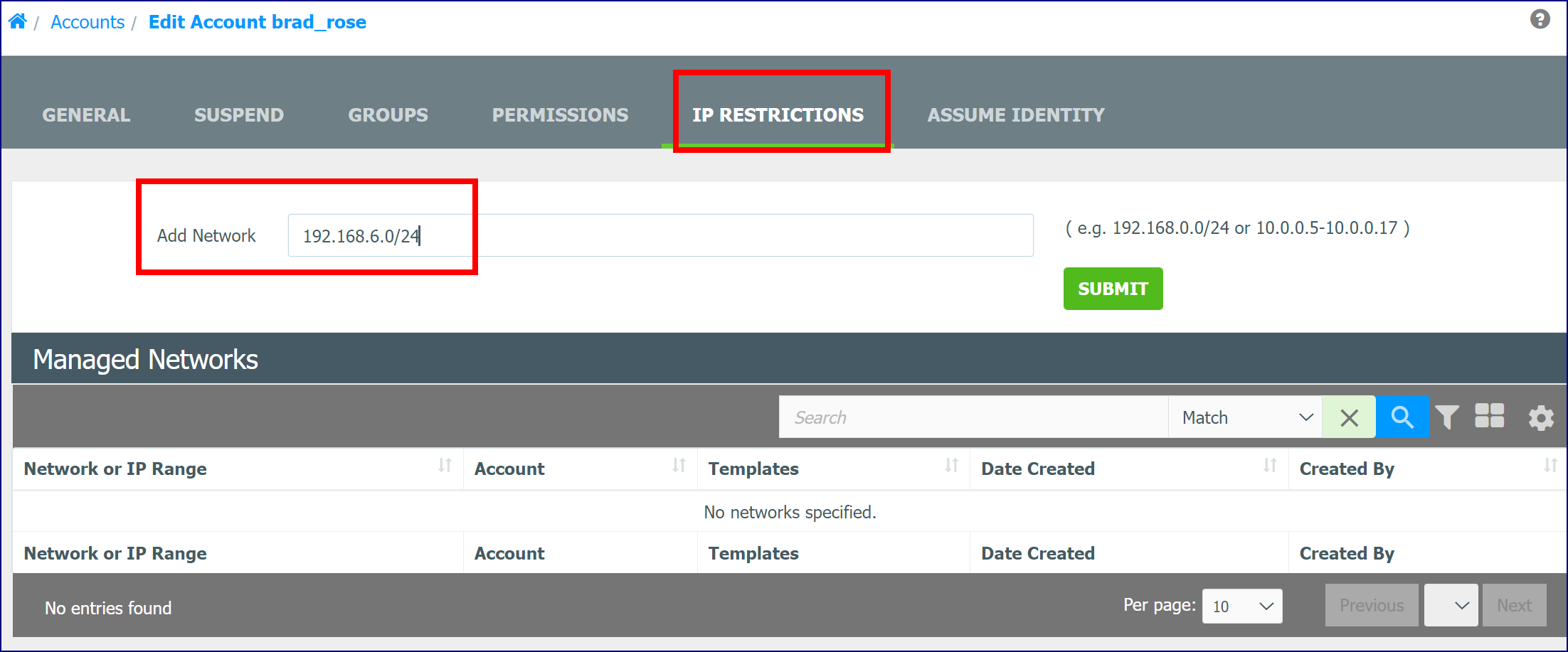
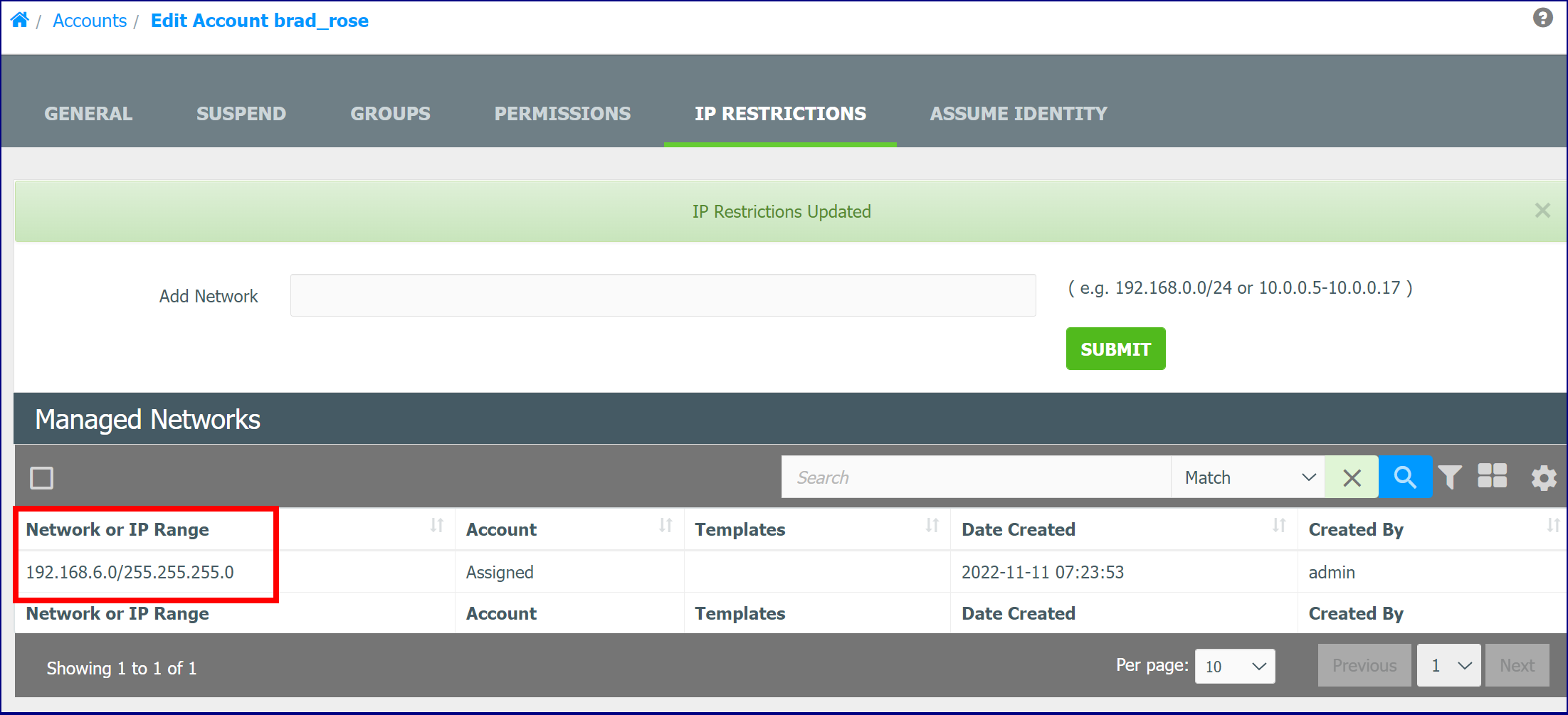
- Click Submit. The IP Range is added.
See also: