Policy Logs
Policy Logs Messages Tab
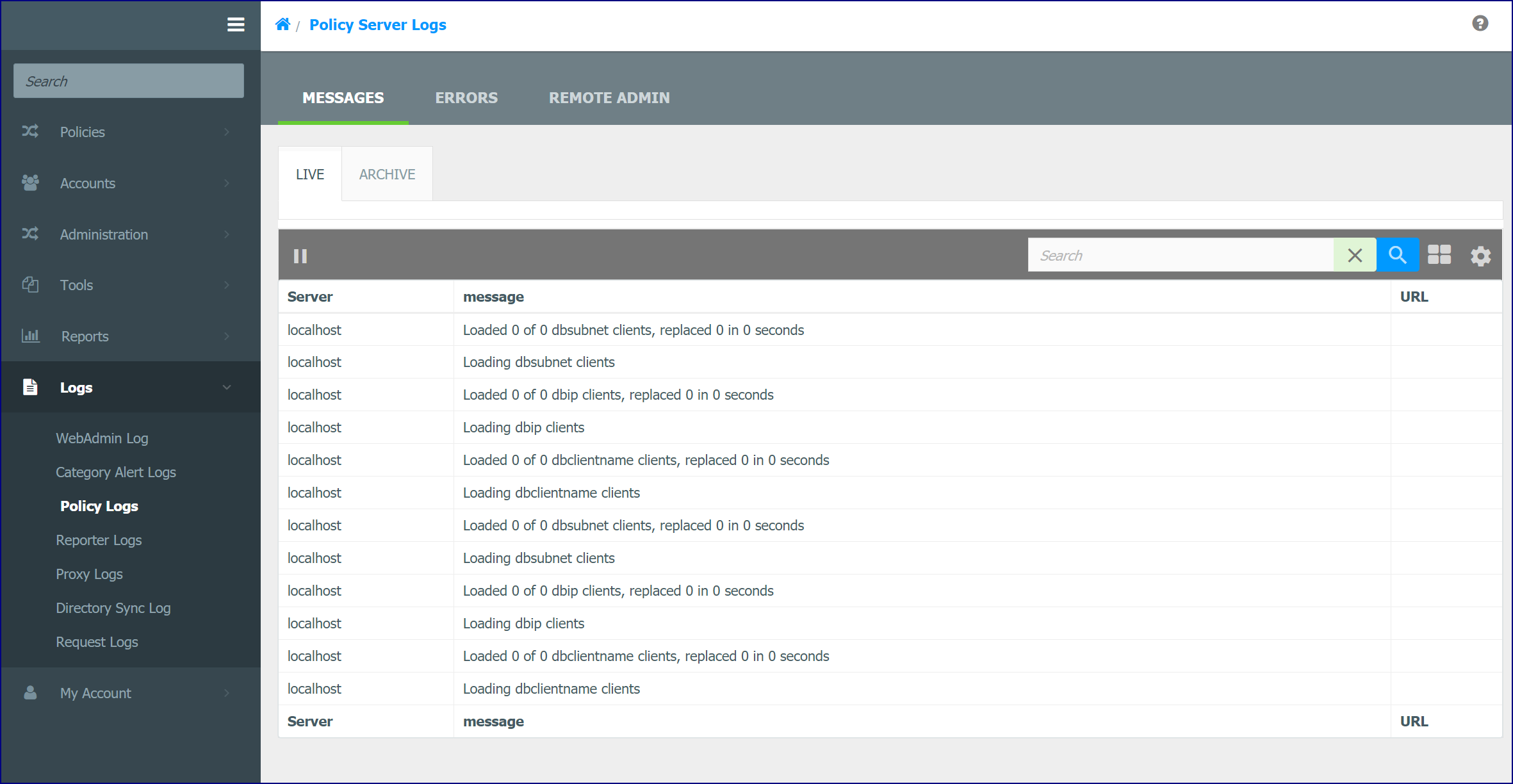
Policy Log Messages Live Tab
The Live tab displays a record of the events generated by the Policy Service. This includes information on loading and unloading of modules, the database, the Policy Server Settings (i.e. nsd.conf), etc.
Both tabs allow you to search using regular expressions for log entries. Separating search queries with a space will search for either of the search terms in a log entry. Adding a ! operator to the first character of a search term indicates the term must not be found in a log entry.
Policy Logs Messages Archive Tab
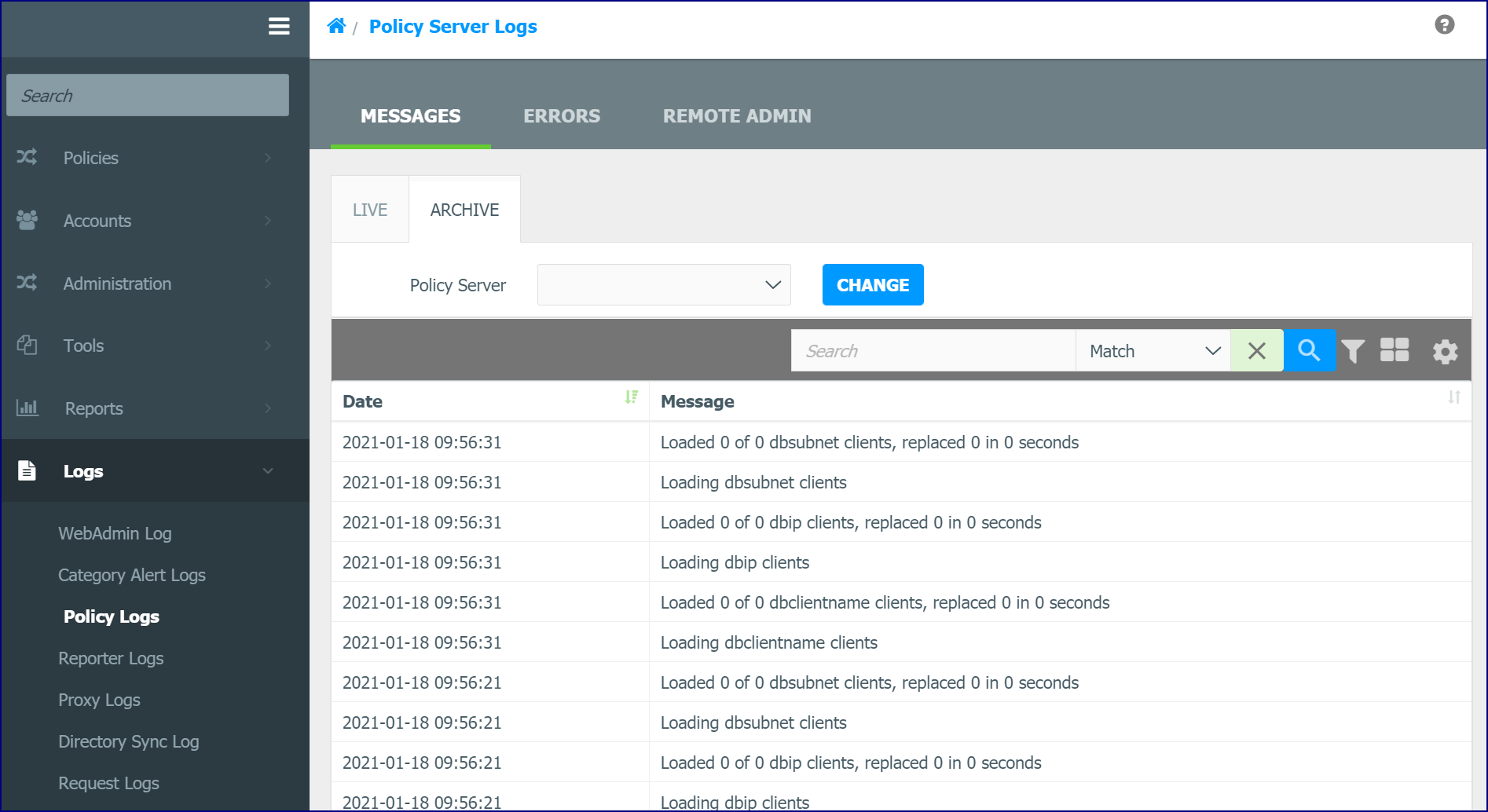
The Archive tab contains a list of archived messages (events) generated by the Policy Server. You can select the Policy Server you wish to view and the number of entries on each page. You can also set a Filter or Search for a specific message.
Policy Logs Messages Remote Admin Tab
The Remote AdminLive tab displays a record of every Remote Admin command (both request and response) made to the Policy service.
Both the Live and Archive tabs allow you to search using regular expressions for log entries. Separating search queries with a space will search for either of the search terms in a log entry. Adding a ! operator to the first character of a search term indicates the term must not be found in a log entry.
Remote Admin Archive Tab
The Remote Admin Archive tab contains a list of archived messages (events) generated by the Policy Server. You can select the Policy Server you wish to view and the number of entries on each page. You can also set a Filter or Search for a specific message.
Policy Logs Errors Tab
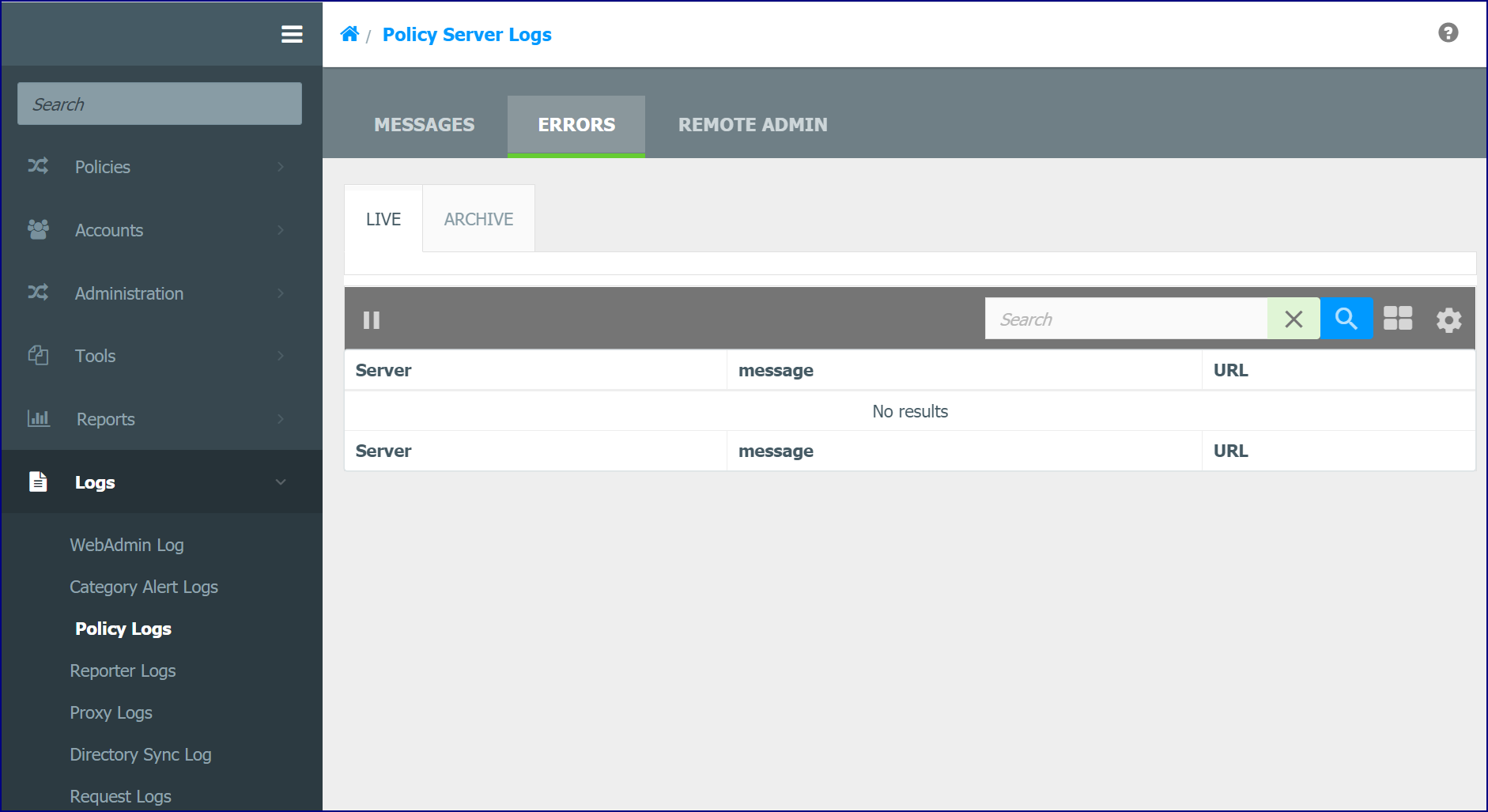
The Live tab display a record of the error events generated by the Policy Service. This information can be used to help troubleshoot unexpected filtering behavior.
The Archive tab contains a list of archived errors generated by the Policy Server. You can select the Policy Server you wish to view and the number of entries on each page.
Both the Live and Archive tabs allow you to search using regular expressions for log entries. Separating search queries with a space will search for either of the search terms in a log entry. Adding a ! operator to the first character of a search term indicates the term must not be found in a log entry.