Modifying Simple Groups
Although many actions can be performed with the Card in the Simple Groups window, the full set of options are available by selecting the Group. In the Simple tab, select a Group to display its properties. Use this window to modify the selected Group's properties.
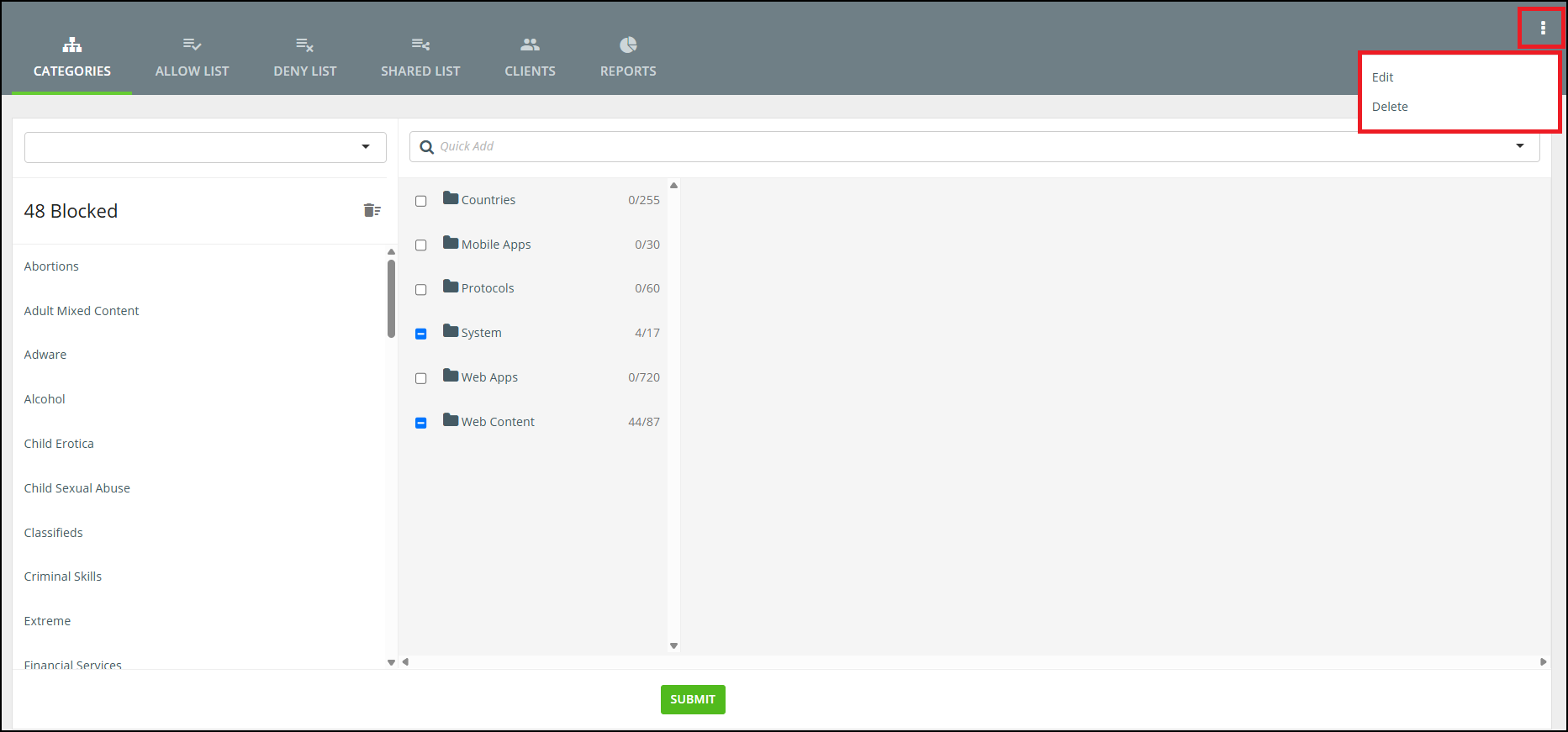
More Actions to Edit and Delete
The More Actions icon in the top right-hand corner lets you edit the Group Name, the Description or change the Icon/Card used. It also lets you delete the Group.
Categories Tab
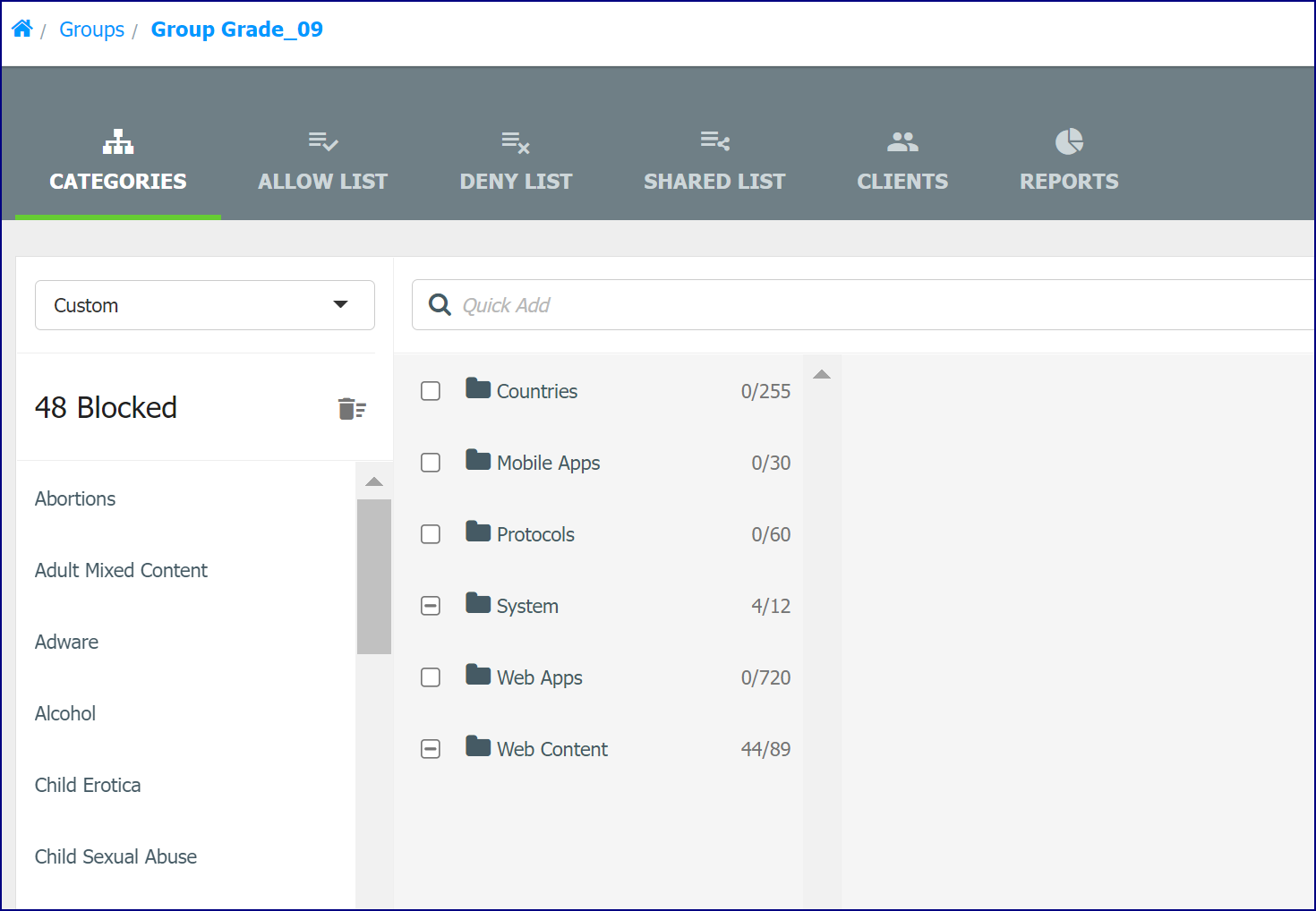
The Categories tab displays the ‘Block’ Categories used for the selected Group. The dropdown list allows you to select another Category Template or select customized Categories using the Custom Template.
Allow List Tab
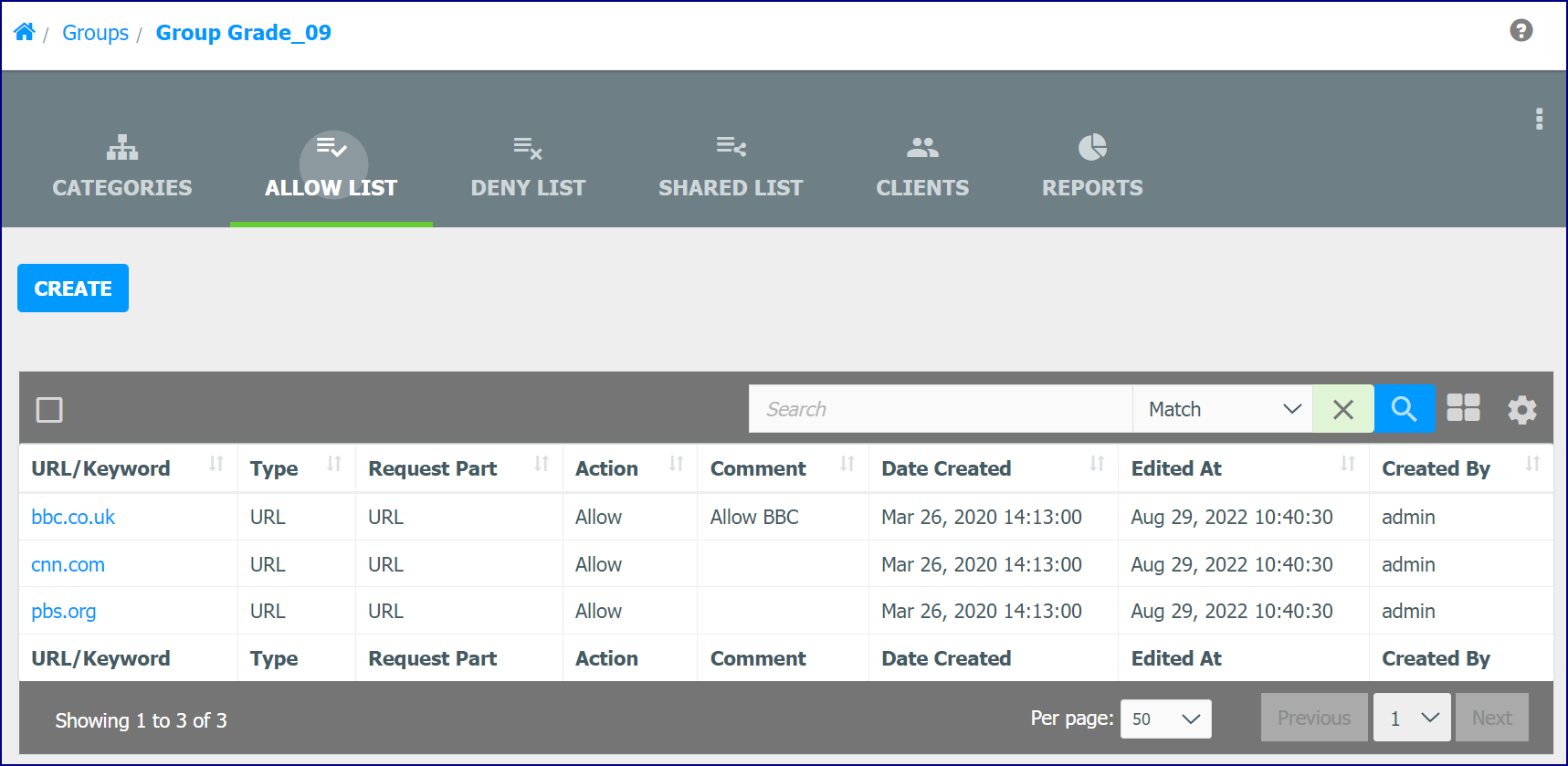
The Allow List tab displays a list of ‘Allowed’ URLs. These List items allow exceptions to the Categorizations. Click the Create button to add a new Allow List entry.
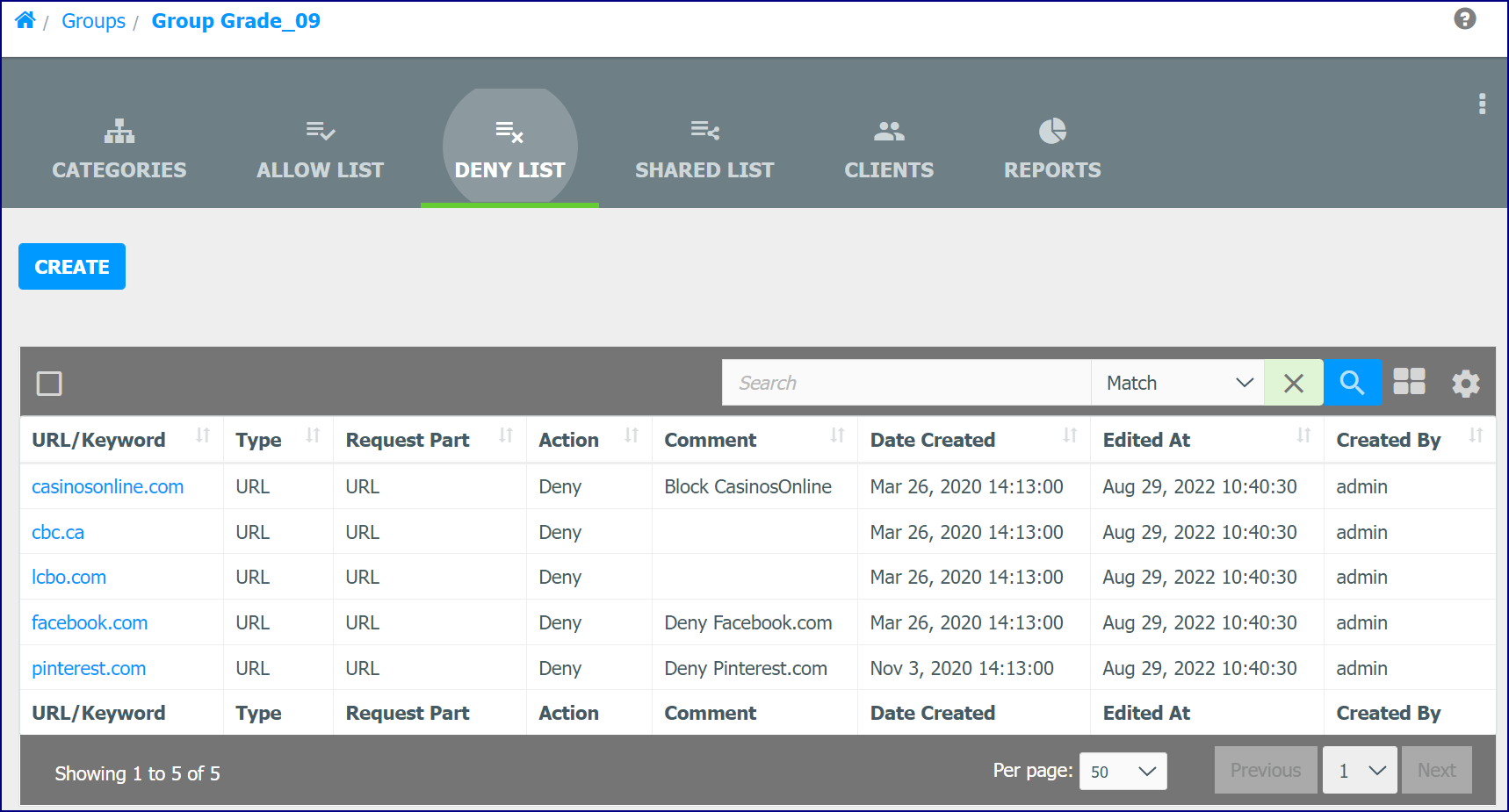
Deny List Tab
The Deny List tab displays a list of ‘Denied’ URLs. These List items allow exceptions to the Categorizations. Click the Create button to add a new Deny List entry.
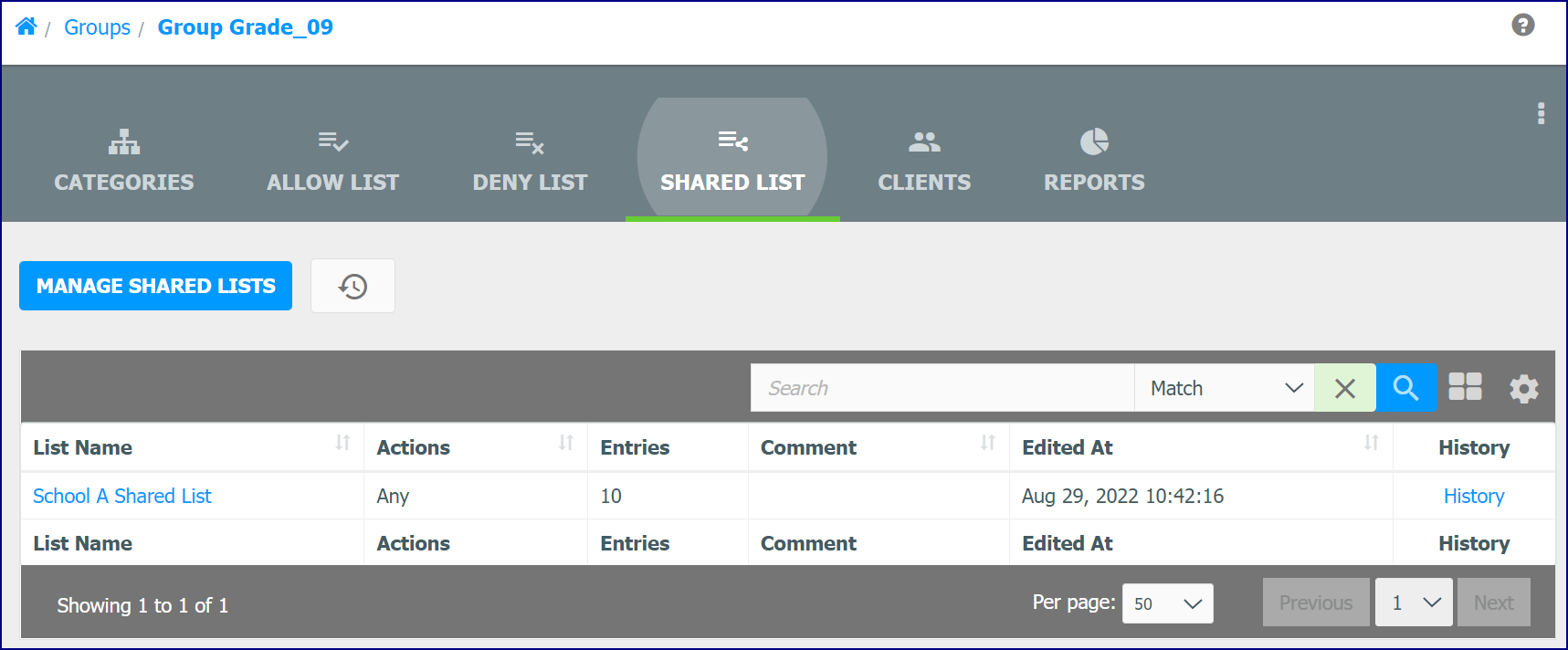
Shared List Tab
The Shared List tab is used to add a Shared List. Shared Lists contain allowed and denied List entries that can be updated and shared across multiple Groups.
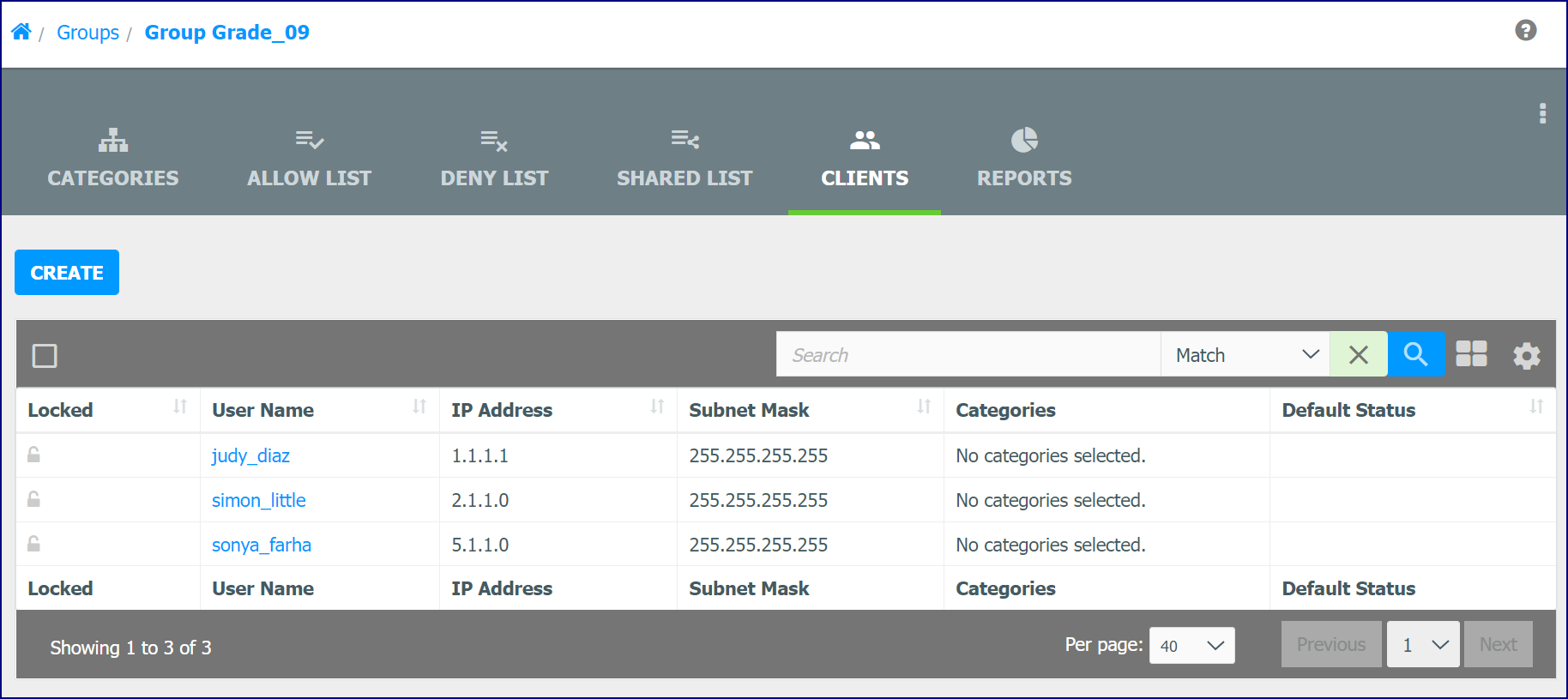
Clients Tab
Use the Clients tab to create and modify Clients ifor the selected Group.
Reports Tab
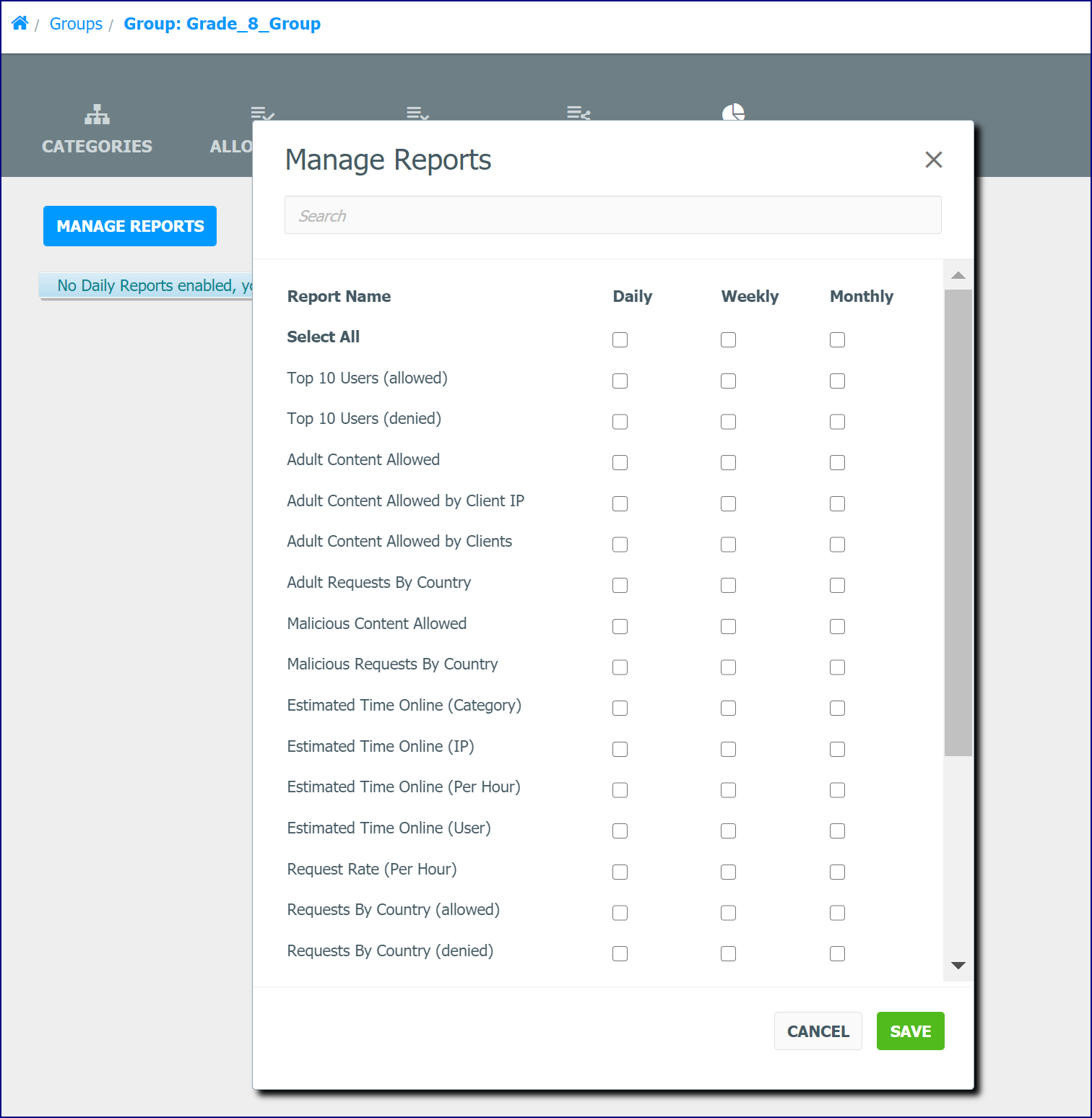
The Reports tab lets you enable and disable Quick Reports using the Manage Reports button. Each Report Template has one checkbox for each daily, weekly, and monthly frequency. The Quick Report will be enabled immediately upon being selected and be scheduled for processing.