The Default Group
The Netsweeper filtering system requires there to be a 'default' Group in the WebAdmin. Therefor, each Netsweeper deployment comes with a default Group. Best practice is to configure the default Group before adding Clients to the WebAdmin or creating any other Groups. This default Group acts as a 'safety net' for the filtering system, as well as a useful template for creating other Groups by cloning the default Group.
Unknown Requests
The Netsweeper server assigns unknown requests (requests where the Client is not specified or found in the policy database) to this Group. To protect potentially vulnerable users, this default Group should have limited internet browsing access. It is recommended that you maintain limited browsing access of this default Group and never delete it.
Identifying the Default Group
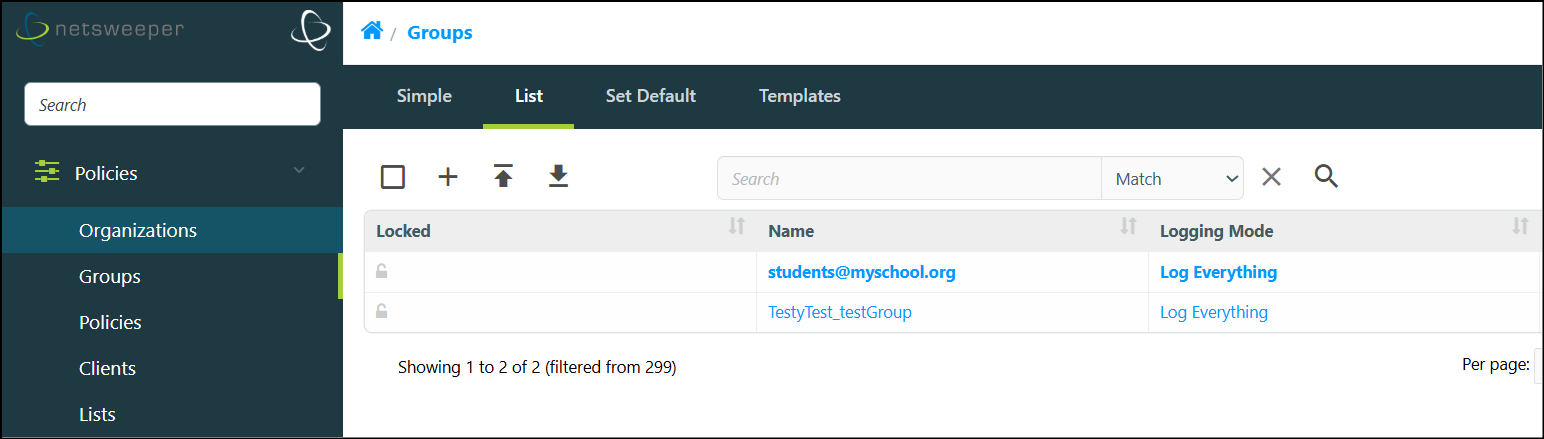
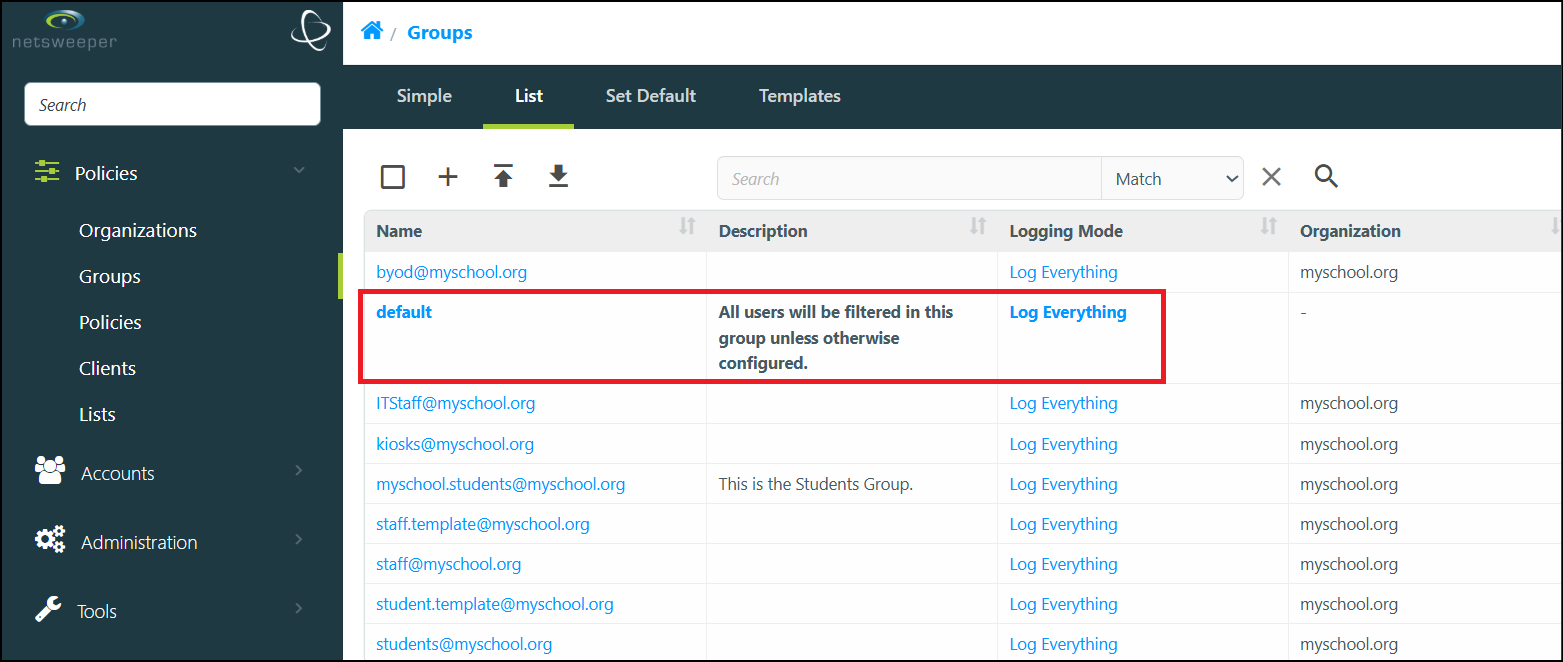
Initially, the default Group is named 'default'. This Group can be configured as desired to ensure it meets the requirements of being the safety net for your deployment. Additionally, you can choose to set another Group to act as the default Group. It is important to note that there can be only one Group in a deployment that can have this designation. The default Group will always be distinguished with bold text in the Groups > List window.
Setting the Default Group
Please Note: An Admin Account with the necessary permissions are required to set the default Group.
-
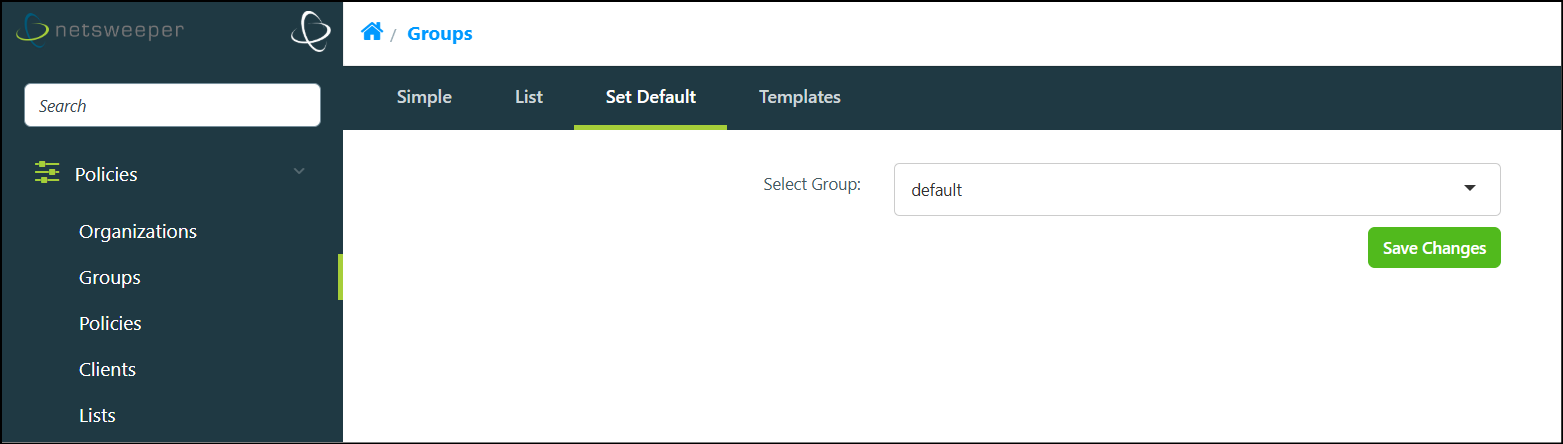
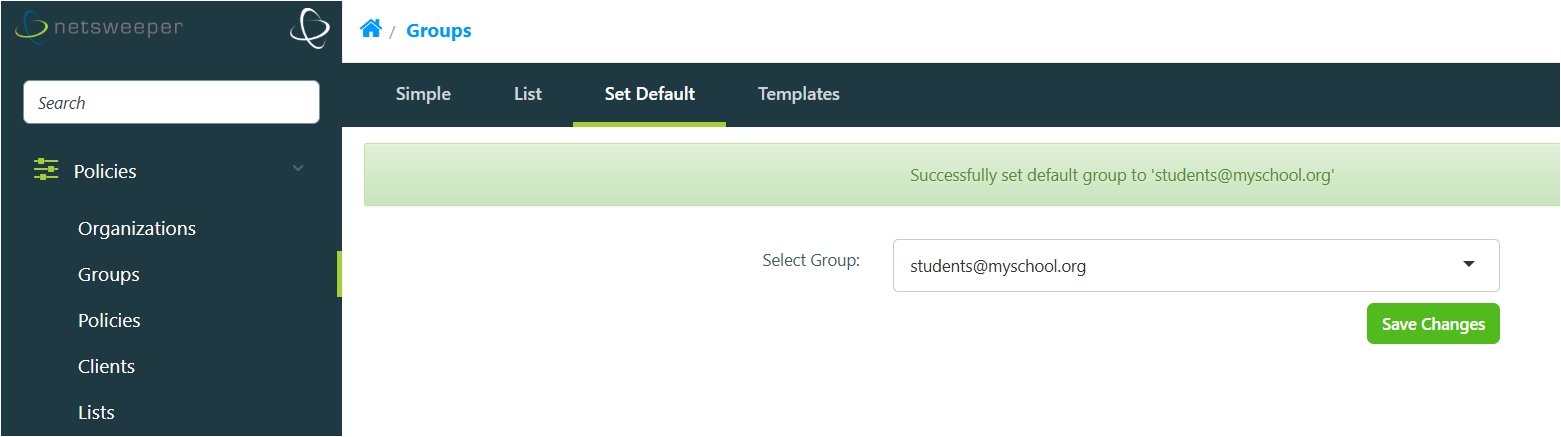
You can change which Group will act as the Default Group by navigating to Policies > Groups and choosing the Set Default tab.
-
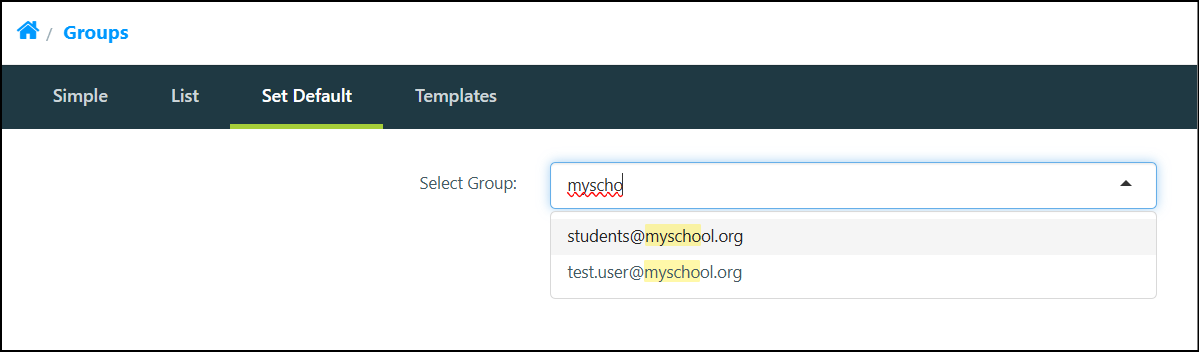
The ‘Select Group’ field has an auto-complete function. Start typing the name of the Group you wish to be the default.
-
When done, select the Save Changes button. A success message displays.
-
The new default Group will appear in bold text in the Groups > List window.